宗波尘客是宗九尘个人博客,用于分享学习经验、个人笔记 注册联系QQ203239351
个人博客网站页面开发:
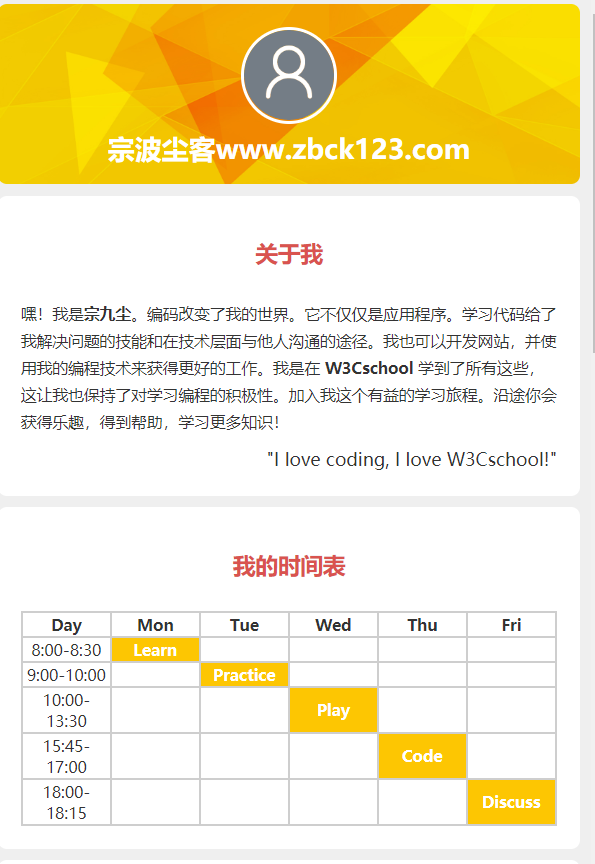
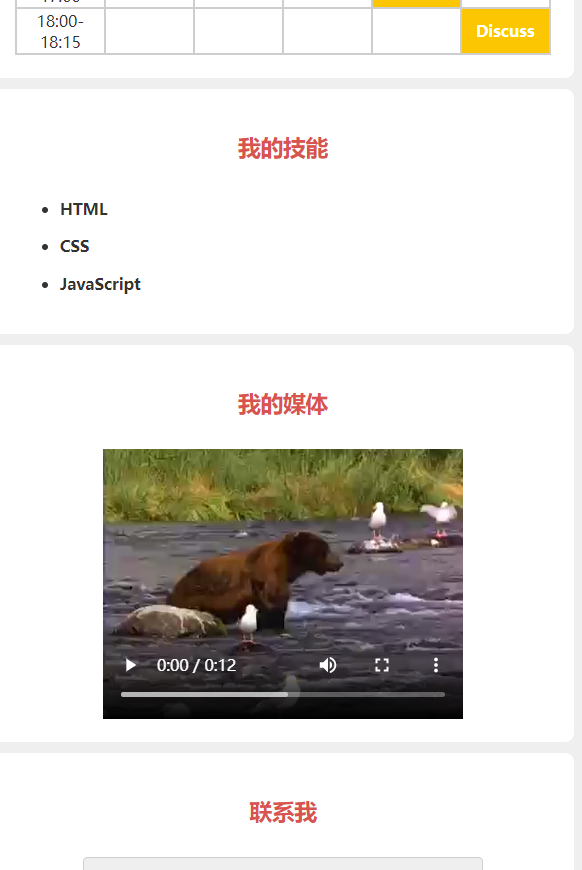
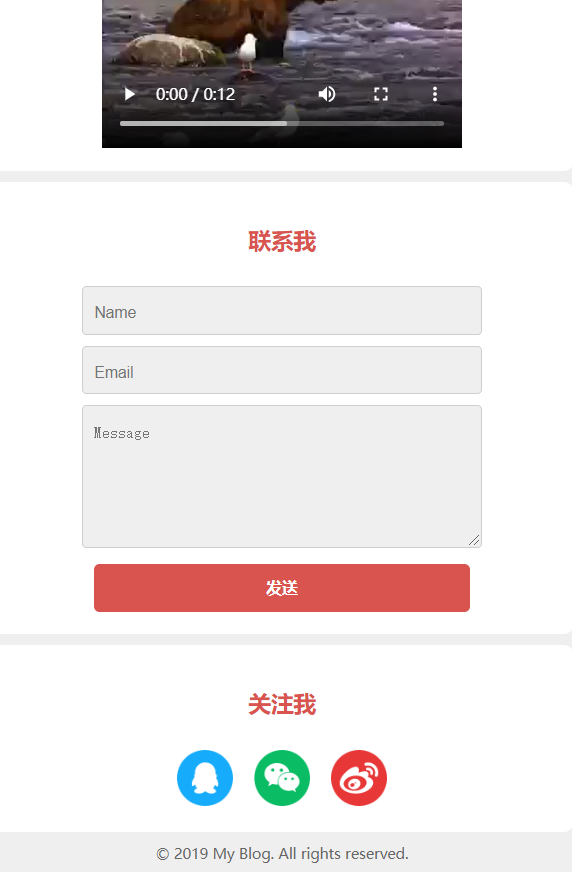
本套源码来自W3C,我们仅是借用来讲解,并非代码原创者!我们做的是手机端的,用的是html5+css3,大家在复制代码运行时,建议选择手机运行,或者调节浏览器大小至手机大小。本次发布的代码为演示代码,是成品,后面后发布四个单独文章来详细介绍四个模块代码的写法。四个模块主是“关于我模块”、“我的技能模块”、“我的时间表”和“联系表模块”等!
个人博客网站页面开发效果图展示:
个人博客网站页面开发代码:
<!DOCTYPE html>
<html lang="en">
<head>
<meta charset="utf-8">
<title>个人博客网站单页开发---宗波尘客www.zbck123.com</title>
<style>
html {
margin: 0;
padding: 0;
}
body {
font-family: -apple-system, BlinkMacSystemFont, 'Helvetica Neue', 'PingFang SC', 'Microsoft YaHei', 'Source Han Sans SC', 'Noto Sans CJK SC', 'WenQuanYi Micro Hei', sans-serif;
font-size: 14px;
color: #333;
background-color: #efefef;
padding: 10px;
margin: 0;
}
h2 {
font-size: 20px;
color: #d9534f;
text-align: center;
padding: 18px 0 18px 0;
margin: 0 0 10px 0;
}
p {
padding: 0;
margin: 0;
line-height: 24px;
}
.img-circle {
border: 3px solid #fff;
border-radius: 50%;
}
.section {
background-color: #fff;
padding: 20px;
margin-bottom: 10px;
border-radius: 8px;
}
#header {
background-color: yellow;
background-size: cover;
}
#header img {
display: block;
width: 80px;
height: 80px;
margin: auto;
}
#header p {
font-size: 24px;
color: #fff;
padding-top: 10px;
margin: 0;
font-weight: bold;
text-align: center;
}
.quote {
font-size: 16px;
text-align: right;
margin-top: 10px;
}
table {
width: 100%;
font-size: 14px;
}
table, th, td {
border: 2px solid #cecece;
border-collapse: collapse;
text-align: center;
table-layout: fixed;
}
.selected {
background-color: #fdc602;
font-weight: bold;
color: #fff;
}
li {
margin-bottom: 15px;
font-weight: bold;
}
iframe,audio,video {
display: block;
margin: 0 auto;
}
form {
text-align: center;
margin-top: 0;
}
.submit {
background-color: #d9534f;
padding: 12px 45px;
border-radius: 5px;
cursor: pointer;
color: #ffffff;
border: none;
outline: none;
margin: 0;
font-weight: bold;
}
.submit:hover {
background-color: #d2322d;
}
textarea {
height: 100px;
}
input, textarea {
margin-bottom: 10px;
font-size: 14px;
padding: 15px 10px 10px;
border: 1px solid #cecece;
background-color: #efefef;
color: #787575;
border-radius: 4px;
width: 70%;
outline: none;
}
#follow img {
height: 50px;
width: 50px;
margin-left: 7px;
margin-right: 7px;
}
#follow a {
text-decoration: none;
}
#follow img:hover {
opacity: 0.8;
}
#follow {
text-align: center;
}
.copyright {
font-size: 13px;
text-align: center;
padding-bottom: 10px;
color: #666;
}
</style>
</head>
<body>
<!-- header start -->
<div id="header" class="section">
<img src="https://www.w3cschool.cn/statics/demosource/myblog/avatar.png" alt="头像" class="img-circle" />
<p>宗波尘客www.zbck123.com</p>
</div>
<!-- header end -->
<!-- About Me section start -->
<div class="section">
<h2><span>关于我</span></h2>
<p>嘿!我是<strong>宗九尘</strong>。编码改变了我的世界。它不仅仅是应用程序。学习代码给了我解决问题的技能和在技术层面与他人沟通的途径。我也可以开发网站,并使用我的编程技术来获得更好的工作。我是在 <strong>W3Cschool</strong> 学到了所有这些,这让我也保持了对学习编程的积极性。加入我这个有益的学习旅程。沿途你会获得乐趣,得到帮助,学习更多知识!</p>
<p class="quote">"I love coding, I love W3Cschool!"</p>
</div>
<!-- About Me section end -->
<!-- My Schedule section start -->
<div class="section">
<h2><span>我的时间表</span></h2>
<table>
<tr>
<th>Day</th>
<th>Mon</th>
<th>Tue</th>
<th>Wed</th>
<th>Thu</th>
<th>Fri</th>
</tr>
<tr>
<td>8:00-8:30</td>
<td class="selected">Learn</td>
<td></td>
<td></td>
<td></td>
<td></td>
</tr>
<tr>
<td>9:00-10:00</td>
<td></td>
<td class="selected">Practice</td>
<td></td>
<td></td>
<td></td>
</tr>
<tr>
<td>10:00-13:30</td>
<td></td>
<td></td>
<td class="selected">Play</td>
<td></td>
<td></td>
</tr>
<tr>
<td>15:45-17:00</td>
<td></td>
<td></td>
<td></td>
<td class="selected">Code</td>
<td></td>
</tr>
<tr>
<td>18:00-18:15</td>
<td></td>
<td></td>
<td></td>
<td></td>
<td class="selected">Discuss</td>
</tr>
</table>
</div>
<!-- My Schedule section end -->
<!-- My Skills section start -->
<div class="section">
<h2><span>我的技能</span></h2>
<ul>
<li>HTML</li>
<li>CSS</li>
<li>JavaScript</li>
</ul>
</div>
<!-- My Skills section end -->
<!-- Media section start -->
<div class="section">
<h2><span>我的媒体</span></h2>
<iframe height="240" width="320" src="https://www.w3cschool.cn/statics/demosource/movie.mp4" allowfullscreen frameborder="0"></iframe>
</div>
<!-- Media section end -->
<!-- Contact section start -->
<div class="section">
<h2><span>联系我</span></h2>
<form>
<input name="name" placeholder="Name" type="text" required /><br/>
<input name="email" placeholder="Email" type="email" required /><br/>
<textarea name="message" placeholder="Message" required ></textarea>
<input type="submit" value="发送" class="submit" />
</form>
</div>
<!-- Contact section end -->
<!-- Follow section start -->
<div class="section" id="follow">
<h2><span>关注我</span></h2>
<div>
<a href="#">
<img alt="qq" src="https://www.w3cschool.cn/statics/demosource/myblog/qq.png" />
</a>
<a href="#">
<img alt="weixin" src="https://www.w3cschool.cn/statics/demosource/myblog/weixin.png"/>
</a>
<a href="#">
<img alt="weibo" src="https://www.w3cschool.cn/statics/demosource/myblog/weibo.png" />
</a>
</div>
</div>
<!-- Follow section end -->
<div class="copyright">
© 2019 My Blog. All rights reserved.
</div>
</body>
</html>个人博客网站页面开发代码注意点:
以上代码可以直接拷贝使用,我将CSS和html两个文件代码合并成了一个文件代码。CSS代码想要在html中使用有三种方法,一种是内嵌CSS样式,一种是内联CSS样式,一种是外联CSS样式。我这里使用的是内联样式。
效果图和代码展示的效果有出入,出入是在顶部header标签的背景颜色,原来是W3C里面的背景图片,我这里是自己修改了背景为颜色,另外图片和视频文件均是采用W3C内嵌的视频!
宗波尘客(www.zbck123.com)宗九尘博客 联系QQ:203239351