本文将教大家写背景切换效果,背景图位置不动,鼠标上下滑动切换背景图片
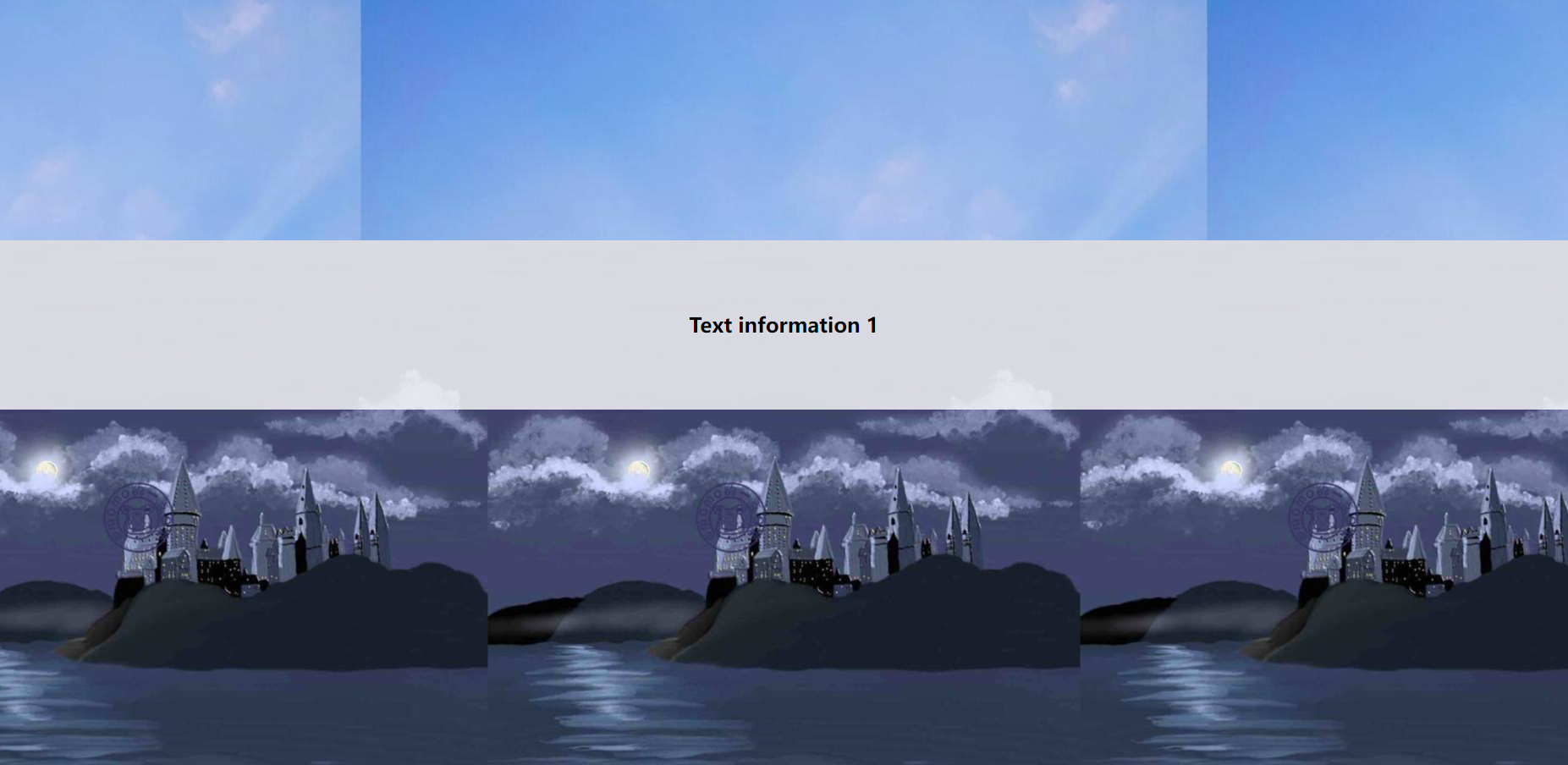
背景图切换效果演示图:

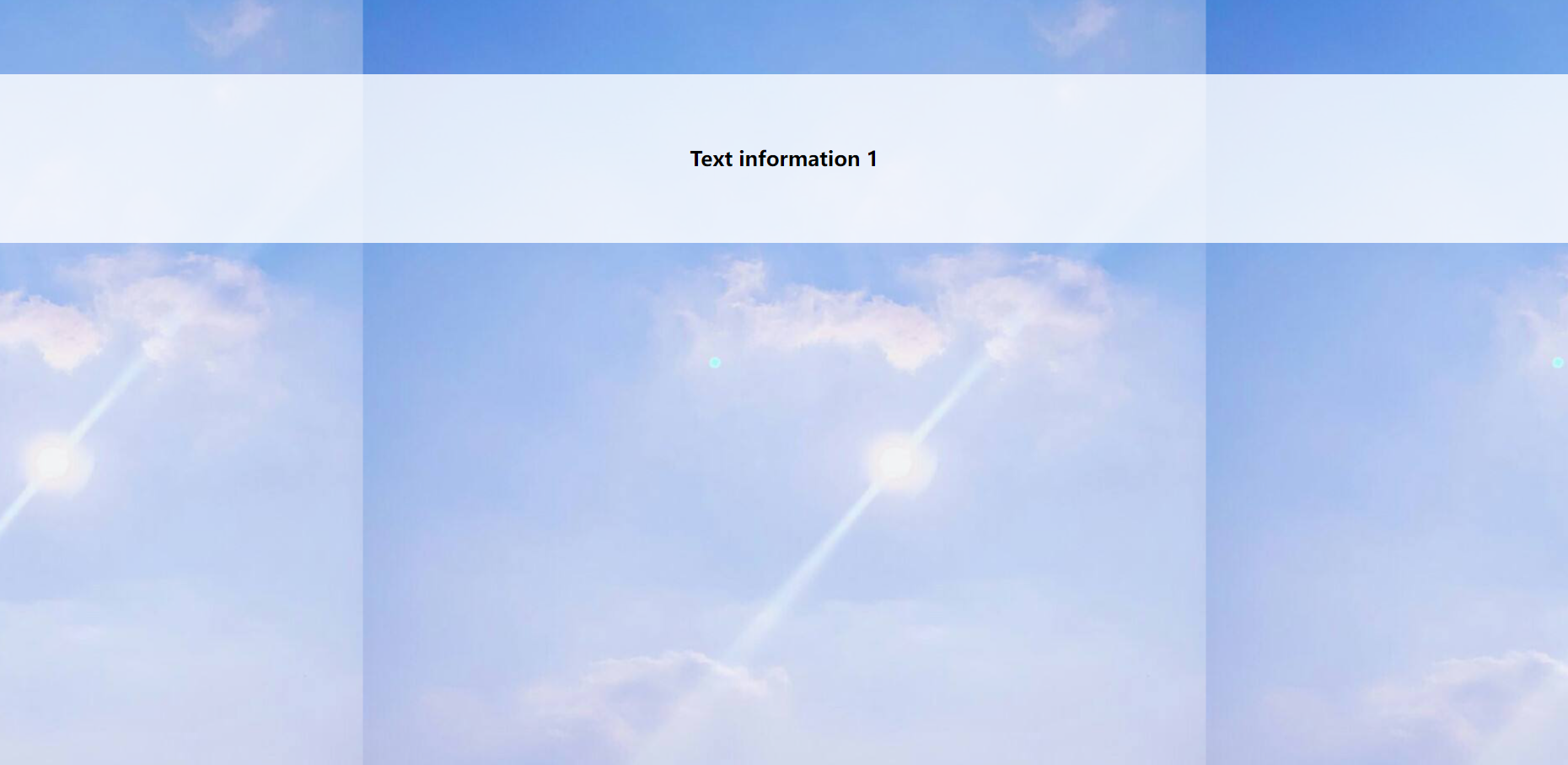
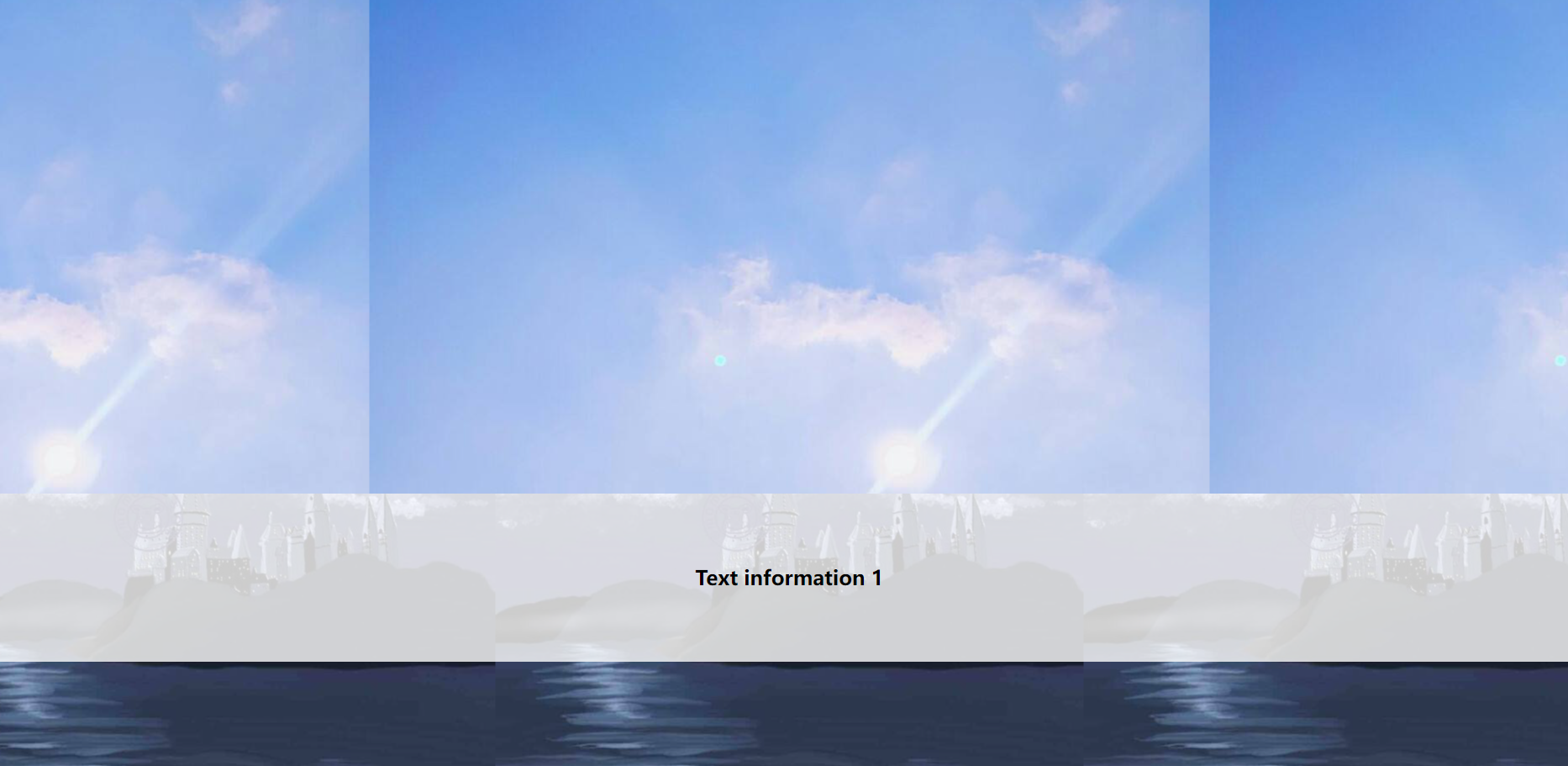
鼠标滚动背景图切换效果代码:
<!DOCTYPE html>
<html>
	<head>
		<meta charset="utf-8">
		<title>背景切换图效果</title>
		<style>
			*{
				margin: 0;
				padding: 0;
			}
			.box1,.box2,.box3{
				width: 100%;
				height: 1300px;
			}
			.box1{
				background: url(img/1.jpeg) center center fixed;
				overflow: hidden;
			}
			.box2{
				background: url(img/2.jpeg) center center fixed;
			}
			.box3{
				background: url(img/3.jpeg) center center fixed;
			}
			p{
				width: 100%;
				height: 200px;
				background: rgba(255, 255, 255, 0.8);
				font-size: 24px;
				font-weight: 800;
				text-align: center;
				line-height: 200px;
			}
			.box1 p{
				margin-top: 300px;
			}
		</style>
	</head>
	<body>
		<div class="box1">
			<p>Text information 1</p>
		</div>
		<div class="box2">
			<p>Text information 1</p>
		</div>
		<div class="box3">
			<p>Text information 1</p>
		</div>
	</body>
</html>
鼠标滚动背景图切换效果代码解析:
①这里需要设置三个同级div标签
②需要给所有div浏览器width宽度,就是100%,给一个固定的高度height
③需要给所有div一个背景图片(背景图需要上下左手都是center),并设置fixed固定定位
④上下滑动鼠标即可
注意:主要知识点在于fixed给每个背景图片设置上,其他属性都是为了美观衬托,或者和其他属性需要配合,例如overflow:hidden;是为了解决margin塌陷。大家刻意复制代码自行测试,有问题可以留言!