首先来说一下html5用于布局常用的标签,这些标签只有html5才能使用,因为是html5才出来的。
header
aside
section
footer
这几个标签都是没有实际效果的,只包含了各自特有的语义
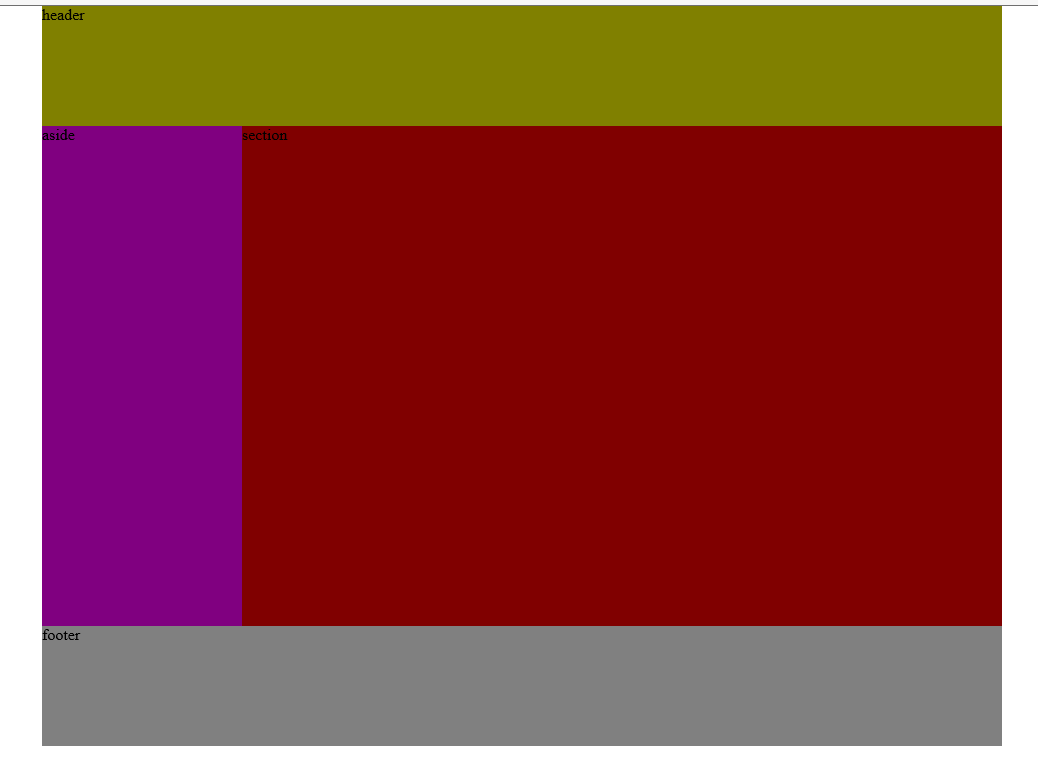
先来说一下如何用绝对定位做网页:
定位布局演示图:
定位布局代码:
<!DOCTYPE html>
<html lang="en">
<head>
    <meta charset="UTF-8">
    <title>Title</title>
    <style>
 body{
            width: 960px;
 margin: 0 auto;
 position: relative;
 }
        header{
            width: 960px;
 height: 120px;
 background-color: olive;
 position: absolute;
 top: 0;
 left: 0;
 }
        aside{
            width: 200px;
 height: 500px;
 background-color: purple;
 position: absolute;
 top: 120px;
 left:0;
 }
        section{
            width: 760px;
 height: 500px;
 background-color: maroon;
 position: absolute;
 top: 120px;
 /*left: 200px;*/
 right: 0;
 }
        footer{
            width: 960px;
 height: 120px;
 background-color: gray;
 position: absolute;
 top: 620px;
 left: 0;
 }
    </style>
</head>
<body>
<header>
 header
</header>
<aside>
 aside
</aside>
<section>
 section
</section>
<footer>
 footer
</footer>
</body>
</html>
浮动布局演示图:
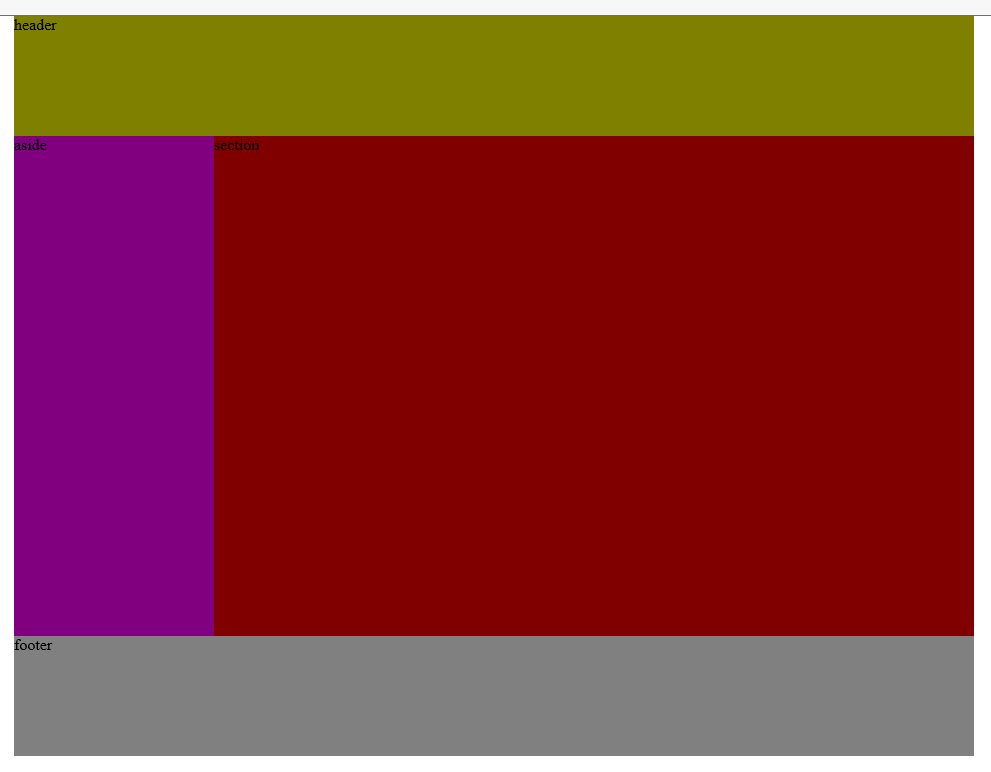
两种效果图是差不多的,代码的区别也不是很大,主要是浮动设置和定位属性的设置
浮动布局代码:
<!DOCTYPE html>
<html lang="en">
<head>
    <meta charset="UTF-8">
    <title>Title</title>
    <style>
 body{
            width: 960px;
 margin: 0 auto;
 /*position: relative;*/
 }
        header{
            /*width: 960px;*/
 height: 120px;
 background-color: olive;
 /*position: absolute;*/
            /*top: 0;*/
            /*left: 0;*/
 }
        aside{
            width: 200px;
 height: 500px;
 background-color: purple;
 /*position: absolute;*/
            /*top: 120px;*/
            /*left:0;*/
 float: left;
 }
        section{
            width: 760px;
 height: 500px;
 background-color: maroon;
 /*position: absolute;*/
            /*top: 120px;*/
            /*!*left: 200px;*!*/
            /*right: 0;*/
 float: right;
 }
        footer{
            width: 960px;
 height: 120px;
 background-color: gray;
 /*position: absolute;*/
            /*top: 620px;*/
            /*left: 0;*/
 clear: both;
 }
    </style>
</head>
<body>
<header>
 header
</header>
<aside>
 aside
</aside>
<section>
 section
</section>
<footer>
 footer
</footer>
</body>
</html>
浮动布局代码是借用了定位布局代码,因此定位布局中需要,而浮动布局中不需要的代码就被取消了,我并没有删除这些代码,而是让这些代码处于注销状态,大家自行研究学习!