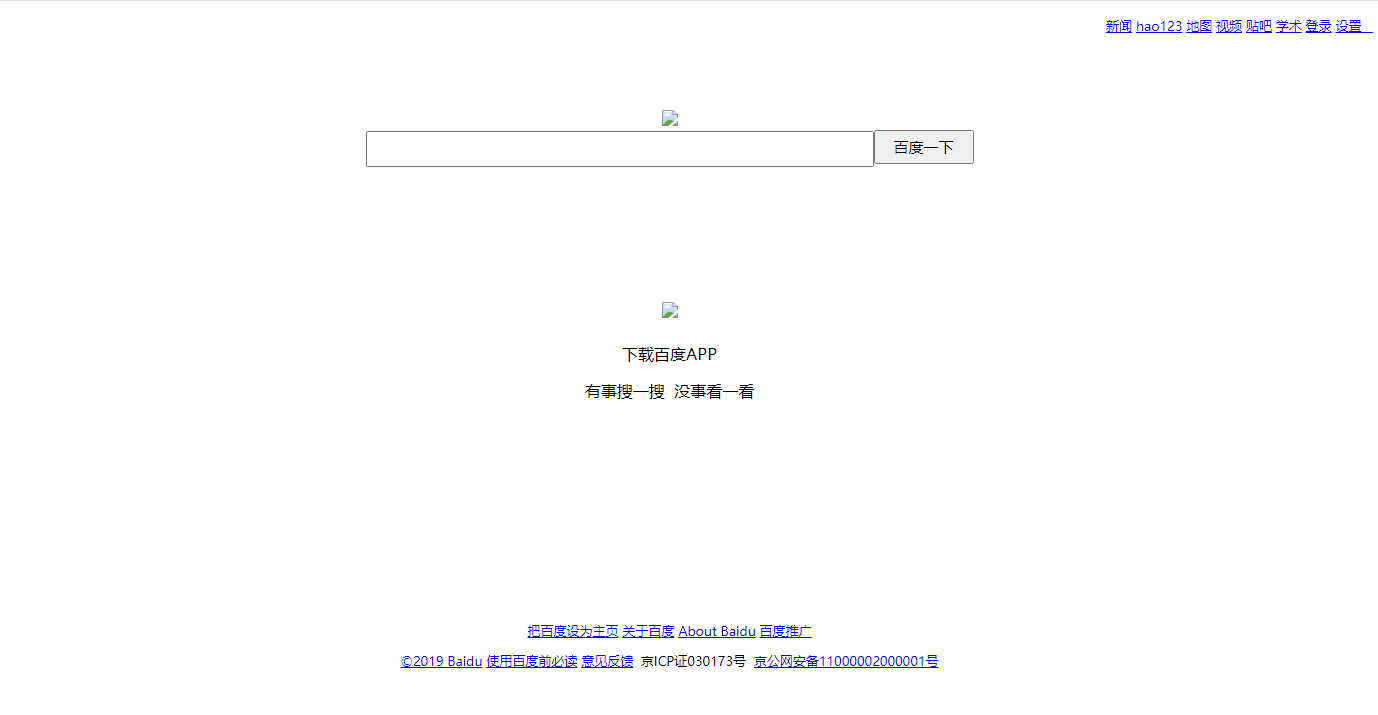
本文是在html5代码,内容系仿写百度,现在附上代码和效果图,仅供初学者学习参观
<!DOCTYPE html>
<html lang="en">
<head>
<meta charset="UTF-8">
<title>Title</title>
<style type="text/css">
.header{
height: 100px;
color: aqua;
text-align: right;
font-size: 13px;
line-height: 34px;
text-decoration-color: black;
}
.content{
height: 500px;
}
.footer{
height: 300px;
font-size: 13px;
}
.content,.footer{
text-align: center;
}
.ss{
height: 30px;
width: 500px;
}
.s1{
height: 34px;
width: 100px;
font-size: 15px;
}
.s2{
line-height: 30px;
}
.s3{
height: 130px;
}
.logo{
width: 260px;
}
.s4{
width: 100px;
}
body{
font-family: "微软雅黑","黑体";
color: black;
text-decoration: none;
text-decoration-line: none;
text-decoration: none;
}
div{
text-decoration: none;
}
p{
text-decoration: none;
}
</style>
</head>
<body>
<div class="header">
<a href="#">新闻</a>
<a href="#">hao123</a>
<a href="#">地图</a>
<a href="#">视频</a>
<a href="#">贴吧</a>
<a href="#">学术</a>
<a href="#">登录</a>
<a href="#">设置 </a>
</div>
<div class="content">
<div><img src="百度logo.png" class="logo"> </div>
<div><span><input type="text" class="ss"><input type="submit" value="百度一下" class="s1"> </span> </div>
<div>
<div class="s3"></div>
<div class="s2"><img src="erweima.PNG" class="s4"></div>
<p>下载百度APP</p>
<p>有事搜一搜 没事看一看</p>
</div>
</div>
<div class="footer">
<p>
<a href="javascript;">把百度设为主页</a>
<a href="javascript;">关于百度</a>
<a href="javascript;">About Baidu</a>
<a href="javascript;">百度推广</a>
</p>
<p>
<a href="#">©2019 Baidu</a>
<a href="#">使用百度前必读</a>
<a href="#">意见反馈</a>
京ICP证030173号
<a href="#">京公网安备11000002000001号</a>
</p>
</div>
</body>
</html>宗波尘客-宗九尘博客,愿与您分享web前端开发!